Codex

AI で開発からリリースまでを支援する、ChatGPT のコーディングエージェント。

トップチームに信頼されています
Cisco
Instacart
Duolingo
Vanta

Ways to use Codex

Codex for work

Gets tasks and projects done from start to finish.

Learn more

Codex for developers

Built for real engineering work, across multiple surfaces.

Learn more
エージェントと構築する最適な方法
実践的なエンジニアリング業務を支える設計
日常的なプルリクエストから極めて難しい課題まで、Codex は、機能の構築や複雑なリファクタリング、移行といったタスクを、OpenAI のフロンティアコーディングモデルを活用してエンドツーエンドで確実に完了します。
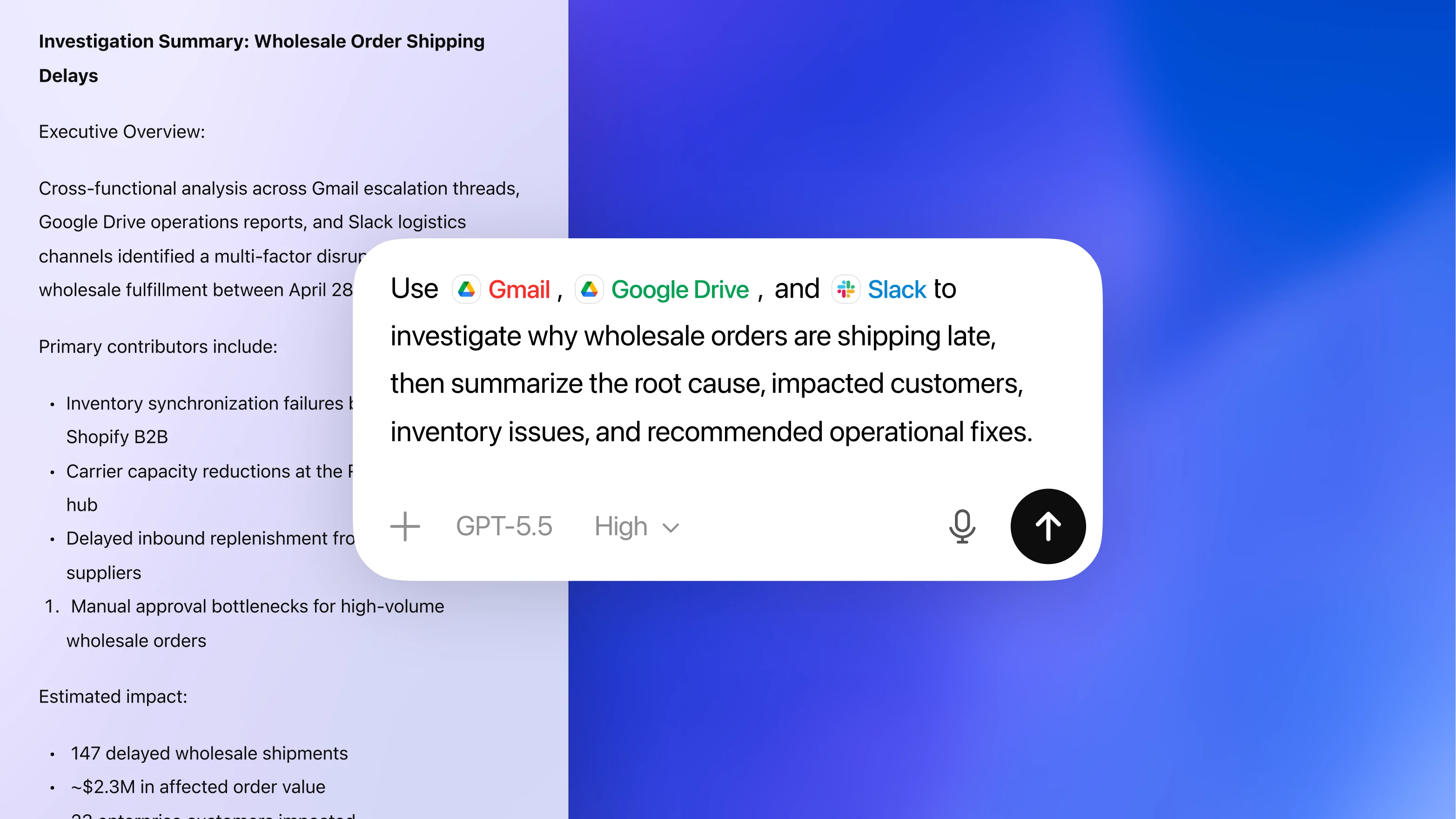
Screen showing a text box with the prompt to use Gmail, Google Drive, and Slack to investigate wholesale order shipping delays, summarize root cause, impacted customers, inventory issues, and recommended fixes. Background shows a partial document titled "Investigation Summary: Wholesale Order Shipping Delays" with details on contributors and estimated impact.
マルチエージェントワークフロー向けの設計
Codex アプリは、エージェント型コーディングの中核となるコマンドセンターです。組み込みのワークツリーとクラウド環境により、エージェントは複数のプロジェクトを並行して処理できます。その結果、数週間分の作業を数日で完了できます。
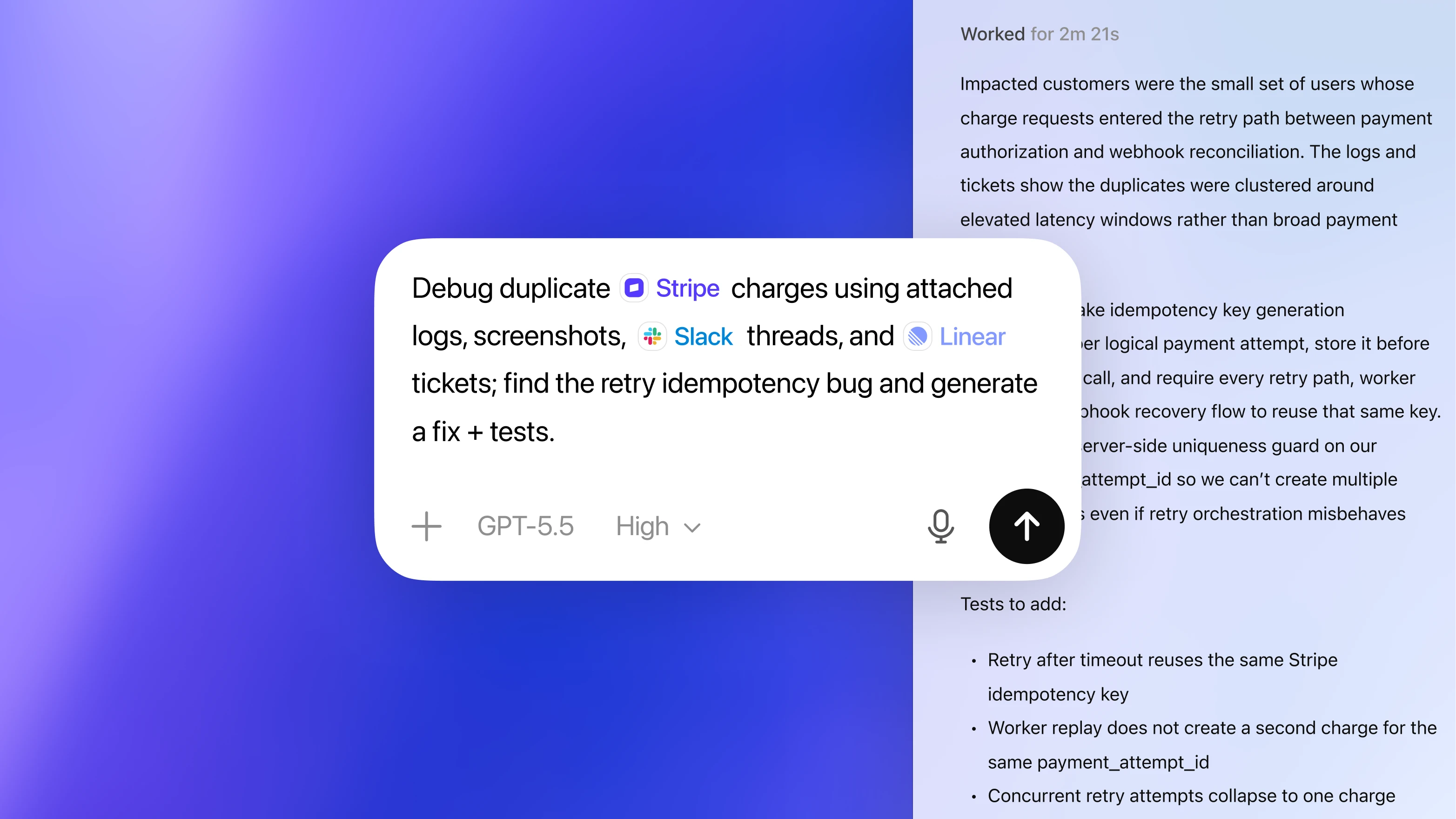
Text box on blue and light purple gradient background with text about debugging Stripe charges using logs, screenshots, Slack threads, and Linear tickets to find and fix a retry idempotency bug.
チームの構築方法に適応
Skills(スキル)を活用することで、Codex は単なるコード生成にとどまらず、コード理解、プロトタイピング、ドキュメント作成などを通じて、プルリクエストを製品へとつなげる作業に直接貢献します。これらの作業は、チームの基準に沿って行われます。
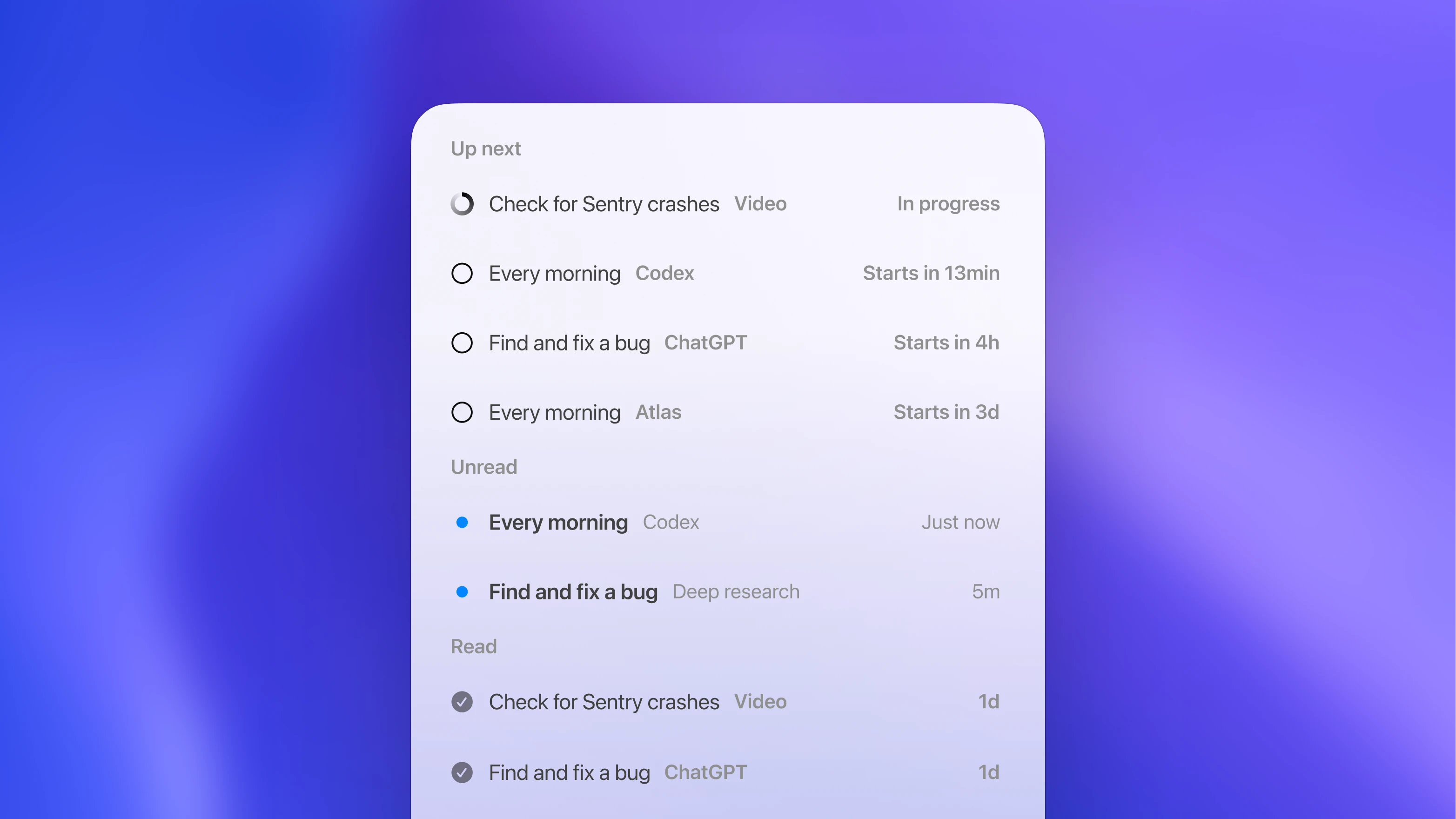
A task list with three sections: Up next shows four tasks with statuses and start times; Unread shows two tasks marked with blue dots and recent times; Read shows two completed tasks with checkmarks and days since done.
常時稼働するバックグラウンド作業のために設計
Automations(オートメーション)を使うことで、Codex は明示的な指示がなくても動作し、課題のトリアージ、アラート監視、CI/CD など、日常的かつ重要な作業を引き受けます。これにより、開発そのものに集中できます。
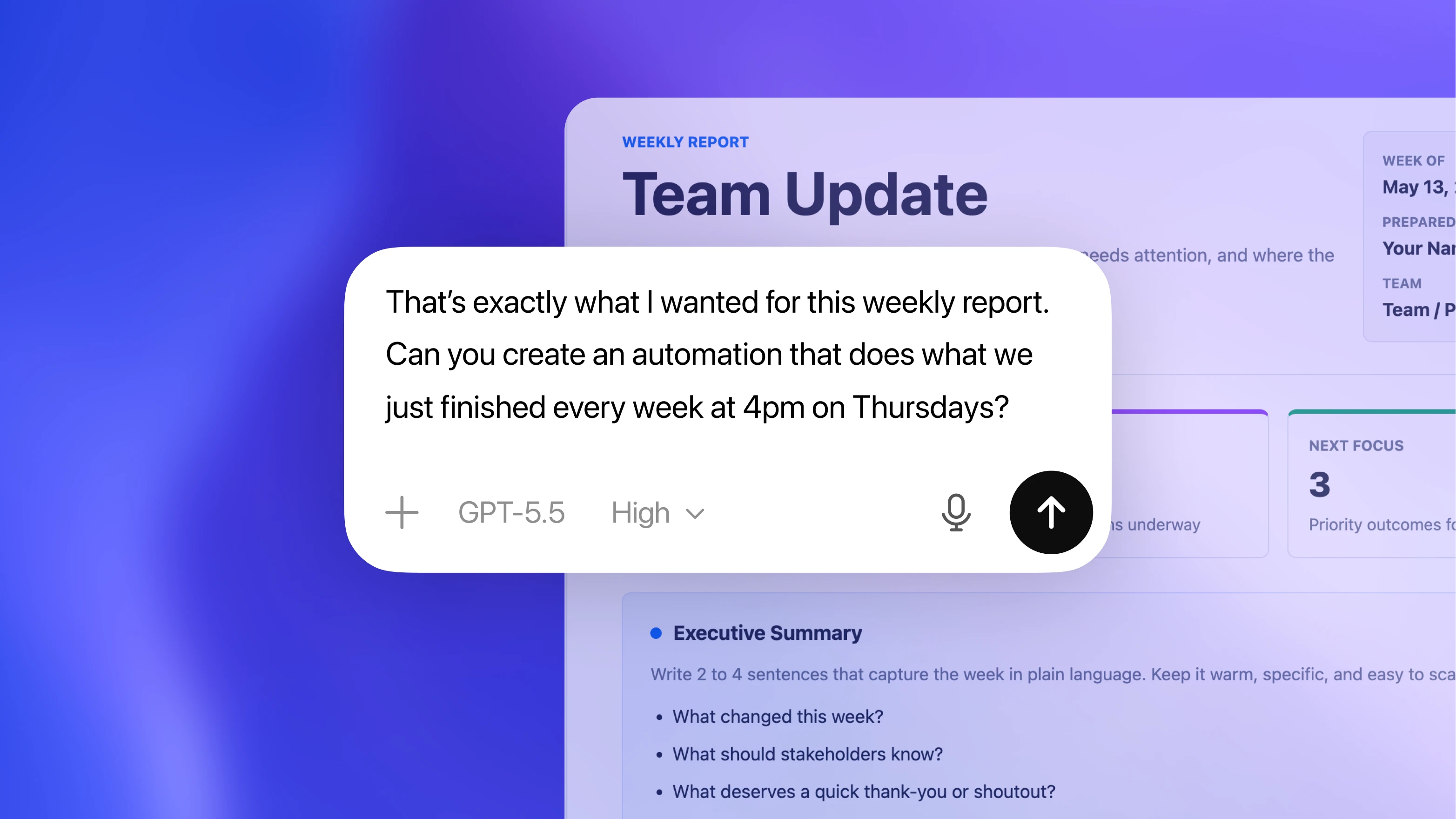
Text on a digital interface showing a weekly report titled "Team Update". A message bubble says, "That’s exactly what I wanted for this weekly report. Can you create an automation that does what we just finished every week at 4pm on Thursdays?" The interface includes options for GPT-5.5 and a microphone icon, suggesting AI-assisted report generation.
チーム全体の水準を引き上げる
Codex は、より徹底した設計、網羅的なテスト、高い精度のコードレビューによって、開発のベースライン品質を底上げします。その結果、問題を早い段階で検知でき、チームは自信を持ってリリースできます。
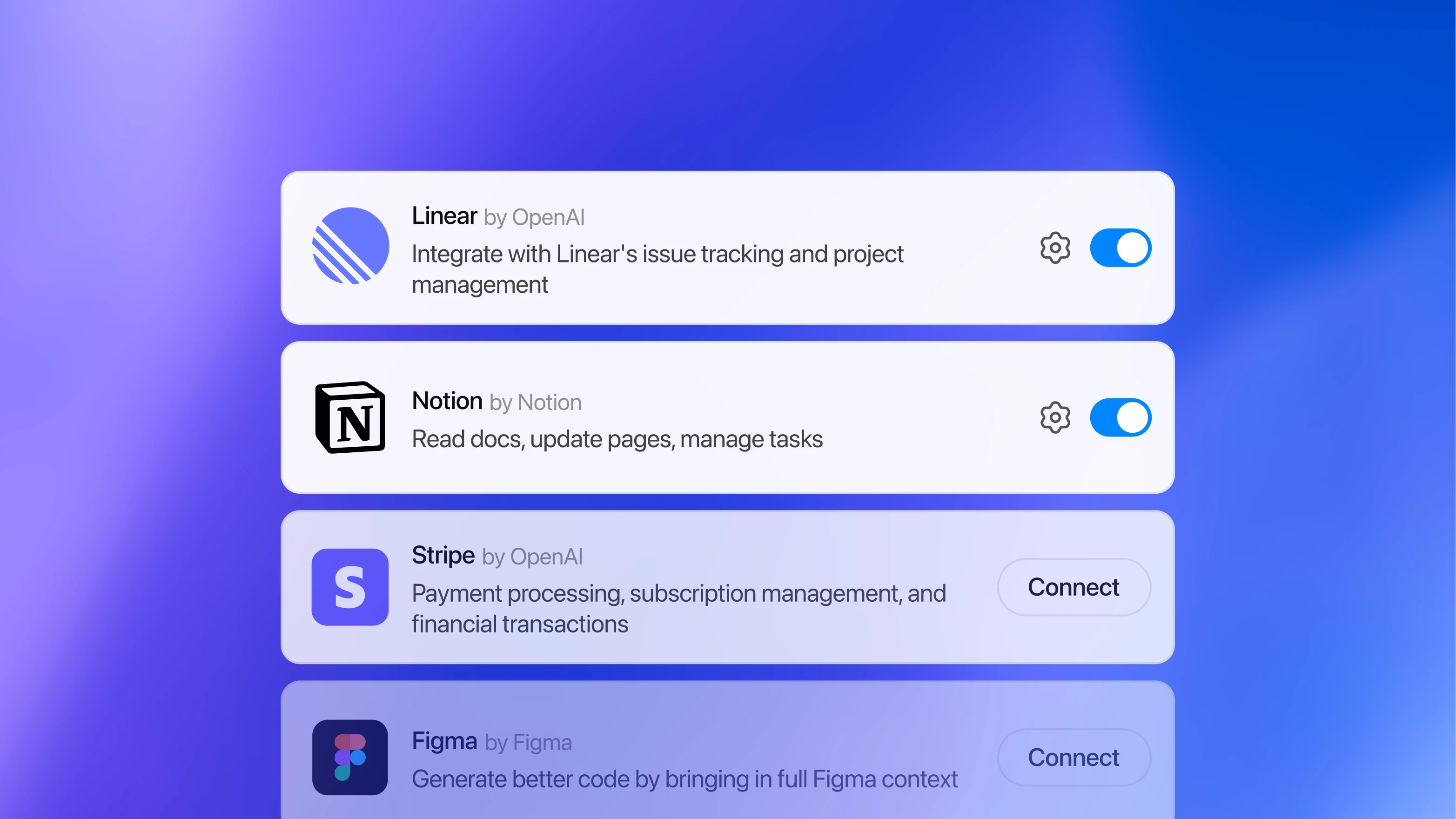
List of integrations with icons, names, short descriptions, and toggle buttons or connect buttons. Linear and Notion are enabled with toggles, Stripe and Figma show “Connect” buttons and are inactive. Background is a blue gradient.

ChatGPT のプランを選んではじめる

Plus

毎週の集中的なコーディングセッションで利用できる Codex の利用枠が含まれています。

Pro

利用制限が高く設定されているため、複数のプロジェクトにわたり1日を通して利用できます。

Business

複数のリポジトリで Codex を活用するチーム向けに、管理者コントロールを備えた安全な共有ワークスペースと柔軟な料金体系を提供しています。

ユーザー1人あたり/月
ChatGPT Business を試してみる
あらゆる開発環境で使える、統一されたエージェント
Codex は複数の環境で利用でき、すべてが ChatGPT アカウントで連携されています。
Codex アプリで開始する
Codex アプリで開始する
エディターに移動する
エディターに移動する
ターミナルで作業を続ける
ターミナルで作業を続ける
チーム向け Codex

使った分だけ支払う従量課金制で、シート料金はかかりません。制限なく拡張できます。

今すぐ始めましょう
>_ship|
Ship better code, faster

Automate PR reviews and continuously scan for vulnerabilities.

Built for how your team works

Run agent workflows locally, in the cloud, or plug into your existing tools like Slack or Linear.

Enterprise-ready

Advanced analytics, 100+ integrations, and full security controls.

今すぐ Codex を試す

AI で開発からリリースまでを支援する、ChatGPT のコーディングエージェント。